ETH Zurich’s email encryption study

ETH Zurich’s email encryption study: What CipherMail admins should check
CipherMail Gateway 6.3.3 introduced security fixes following ETH Zurich’s research into email encryption gateways. If you run CipherMail, verify that every active gateway uses a supported release that includes the fixes. Then check where delivery failure notifications go and what your systems use as evidence that a message was signed. CipherMail added an option to redirect certain notifications, and administrators need to configure it for their environment. Read CipherMail’s security advisory
What did ETH Zurich find in email encryption gateways?
ETH Zurich researchers examined four products, including CipherMail, to see what happens when an intermediary handles S/MIME or OpenPGP on behalf of users. Their work shows that the security of a gateway deployment depends on what happens to the message after decryption. Mail clients, downstream servers and operational rules can all affect whether the message stays protected and how recipients interpret its signature status. Read the ETH Zurich research announcement ETH Zurich
Consider an encrypted invoice. The gateway decrypts it and passes it to an internal mail server. At that point, the security team needs answers to two separate questions. Where can the decrypted message go? And how does the recipient or an internal system know what the gateway actually verified? Those questions define what to review after an update.
Why does decrypting email at a gateway change the security model?
With endpoint-to-endpoint encryption, the recipient’s endpoint performs decryption. When a gateway decrypts a message centrally, the gateway and any downstream systems that receive readable content become part of the trust boundary. That includes internal relays, mailbox infrastructure and archives where applicable.
Organisations use gateways to enforce mail policy centrally and integrate encryption with operational needs such as inspection and delivery. The design decision is where decryption should happen for each workflow and what protections apply after that point. If a workflow requires endpoint-to-endpoint confidentiality, choose an architecture that keeps decryption at the authorised endpoint. Explore CipherMail Gateway research.io
What did CipherMail Gateway 6.3.3 change?
CipherMail released version 6.3.3 on 9 June 2026. The vendor advisory and release notes describe changes to S/MIME and OpenPGP processing, handling of delivery status notifications, and filtering of subject-line trust indicators. Use the current vendor release notes when selecting an upgrade version. 6.3.3 identifies the release that introduced these fixes.Read the CipherMail Gateway release notes CipherMail Email Encryption
AreaWhat CipherMail addressedWhat admins should reviewS/MIME and OpenPGP processingHardened processing of decrypted messages and filtering for EFAIL-related risks.Verify the applicable safeguards in the effective configuration.Mixed content and signature statusImproved handling of messages containing a mix of signed, encrypted and unprotected content.Check how your workflows distinguish verified content from other parts of a message.Delivery status notificationsRestricted what gateway-generated notifications include and added an option to direct downstream notifications for encrypted mail to a controlled address.Confirm where notifications go, what they contain and who monitors them.Subject-line trust indicatorsImproved filtering of subject text that could be mistaken for a gateway-generated trust indicator.Base automated decisions on trusted verification results. Treat the subject label as a display hint.
Read CipherMail’s security advisory CipherMail Email Encryption
What should CipherMail administrators check after updating?
1. Confirm the version on each active gateway
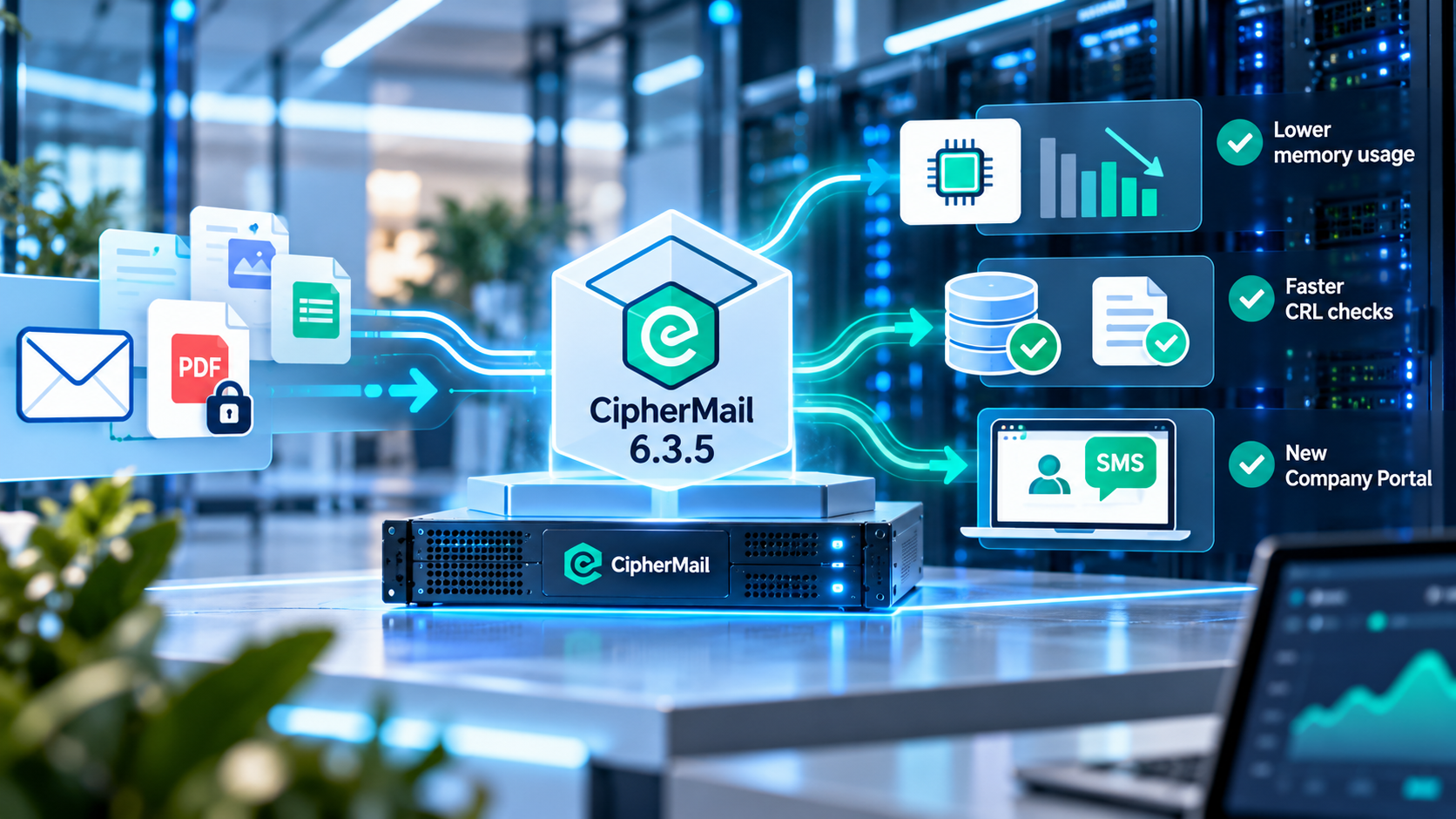
Record the installed version for each gateway that processes production mail. Check the vendor’s release notes for subsequent security updates and use your normal rollout process. If you have multiple nodes or separate mail routes, verify what is running on each one. Read our overview of the later CipherMail 6.3.5 release CipherMail Email Encryption
2. Review where delivery failure notifications go
A delivery status notification is the message a mail system may generate when it cannot deliver an email. Once a gateway has decrypted a message, downstream systems need to handle delivery failures without returning readable message content to unintended recipients.
Review CipherMail’s documented option for redirecting notifications for encrypted mail to a controlled internal address. Check that the address is configured, monitored and covered by an operational process. Include downstream relays in the review so you understand what happens across the whole route. Review the vendor’s configuration guidance CipherMail Email Encryption
3. Check what your systems trust as evidence of a signature
A subject label such as [signed] can help users orient themselves. A rule that approves, routes or archives email based on signature status needs a trustworthy verification result from the gateway.
If your workflow uses gateway-generated headers to make that decision, verify that externally supplied copies are removed or replaced at the trust boundary and that downstream systems accept the result only from the trusted gateway route. Review mailbox rules, archive workflows and security monitoring rules that rely on subject text. Read CipherMail’s guidance on trust indicators CipherMail Email Encryption
4. Document where messages remain readable
Map what happens after the gateway processes a message. Include the internal relay, mailbox and archive, with an owner for each system. Record where mail remains readable, where it is re-encrypted and which access controls apply at each point.
For Microsoft 365 teams, this is a good moment to review whether the design also protects the message inside the mailbox. Read our guide to S/MIME encryption for Microsoft 365 CipherMail
-
FAQs
Does updating CipherMail automatically redirect delivery notifications?
The update introduced the capability. Administrators still need to review the setting, configure a controlled internal destination where appropriate, and confirm that the right team monitors it. See the CipherMail advisory CipherMail Email Encryption
Is CipherMail 6.3.3 the version I should install today?
Version 6.3.3 introduced fixes related to this research. For a deployment today, use the vendor’s current release guidance to select a supported version that includes those fixes and subsequent updates. Check the release notes CipherMail Email Encryption
Does gateway-managed S/MIME provide endpoint-to-endpoint encryption?
When the gateway decrypts the message, it becomes a trusted decryption point. The architecture determines how the message is protected from that point to the final mailbox. Some deployments re-encrypt messages after gateway processing. See a Microsoft 365 workflow example research.io
Where should we start if we already run CipherMail?
Start with three checks. Confirm the version at each active gateway, verify where delivery failure notifications go, and identify any automated rule that trusts a subject-line label. Then assign owners to review how decrypted mail is handled downstream.
Review your CipherMail deployment
If you already run CipherMail, start with one representative inbound mail route. Trace the message from the gateway to the mailbox, then review who receives delivery notifications and what downstream systems trust as evidence of a signature.
Talk to ID Security about your CipherMail configuration